> ## Documentation Index
> Fetch the complete documentation index at: https://activepieces-feat-selfhost-appwebhooks.mintlify.site/llms.txt
> Use this file to discover all available pages before exploring further.
# User Flows
This tutorial will show how to use user connections inside the pieces.
In this example we will write a flow that will send a notifcation for user slack channel
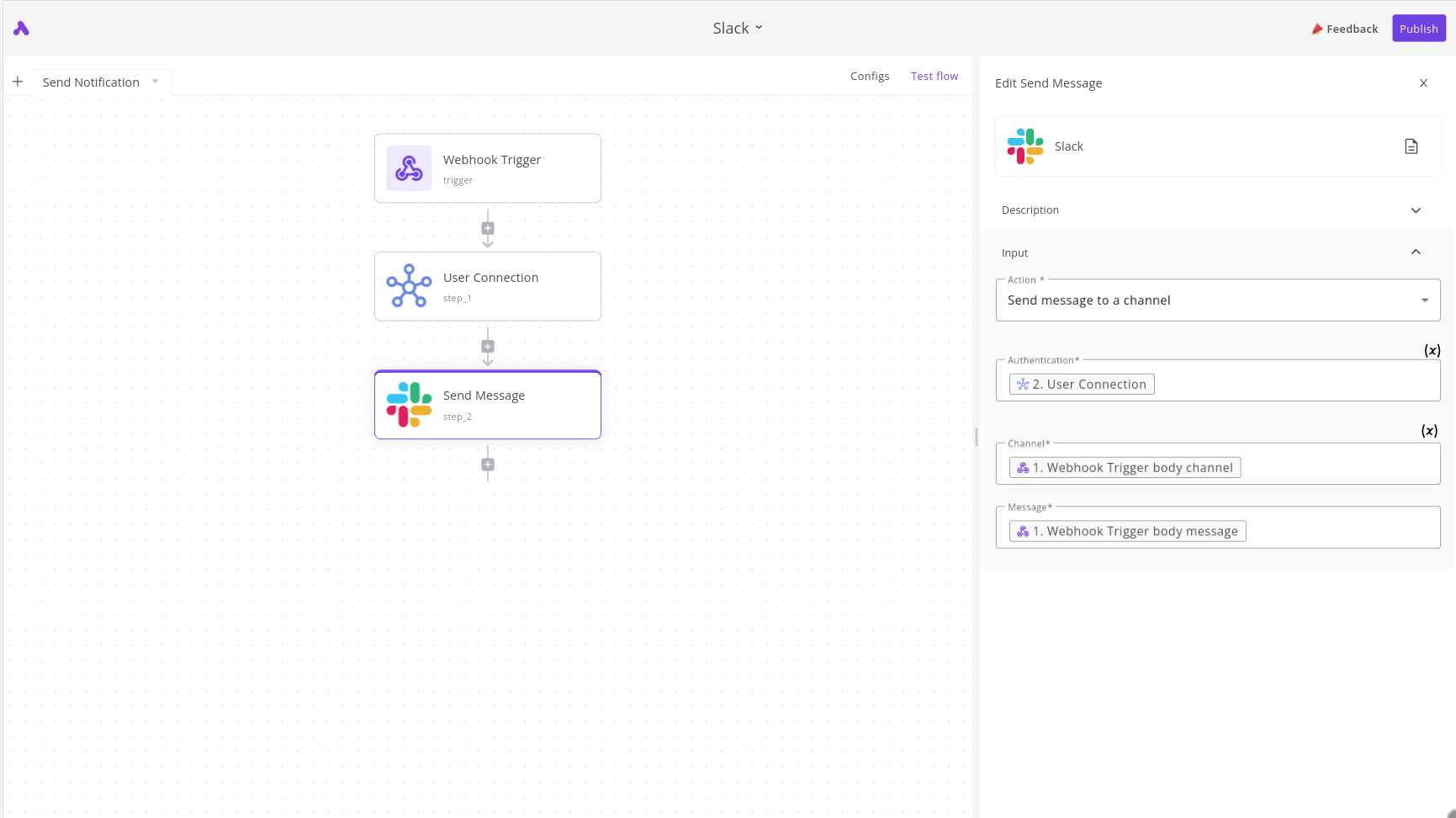
The flow consists of three steps:
1. The trigger will be webhook, an example payload:
```json
{
"body": {
"user": "USER_ID",
"channel": "general",
"message" : "Message"
}
}
```
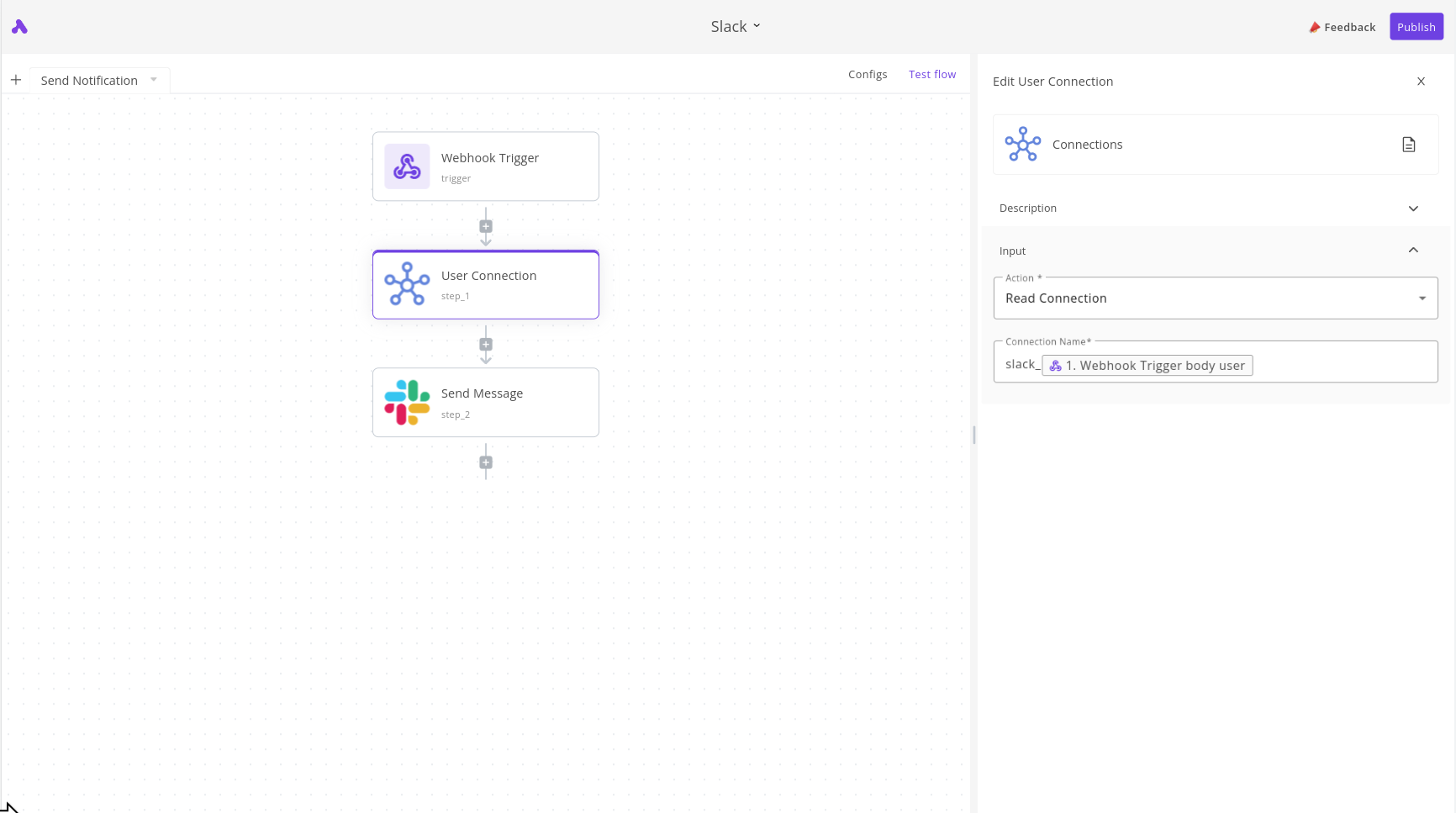
2. The second step is to fetch the connection information, the connection name is in format `slack_USERID`, so we add `slack_` and the user from webhook body.
 3. The third step use values based on value from previous steps click **(X)** and fill the values from previous steps.